 ShareView
Every family photo has a story. Someone in your family knows it.
ShareView makes it easy to finally ask. Send your relatives a link, and they share what they remember, in their own words or their own voice.
A family album already filled in – no signup.
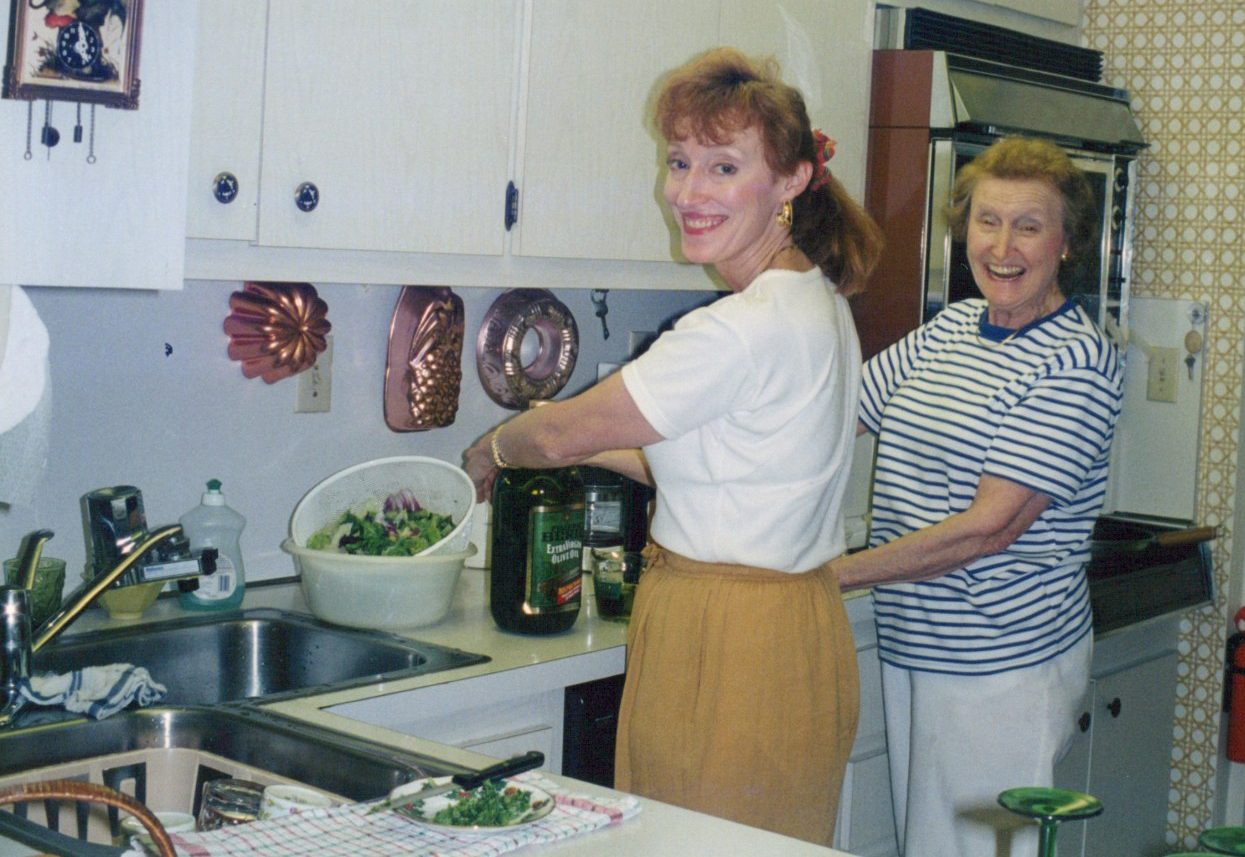

Linda Miller · 3 days ago
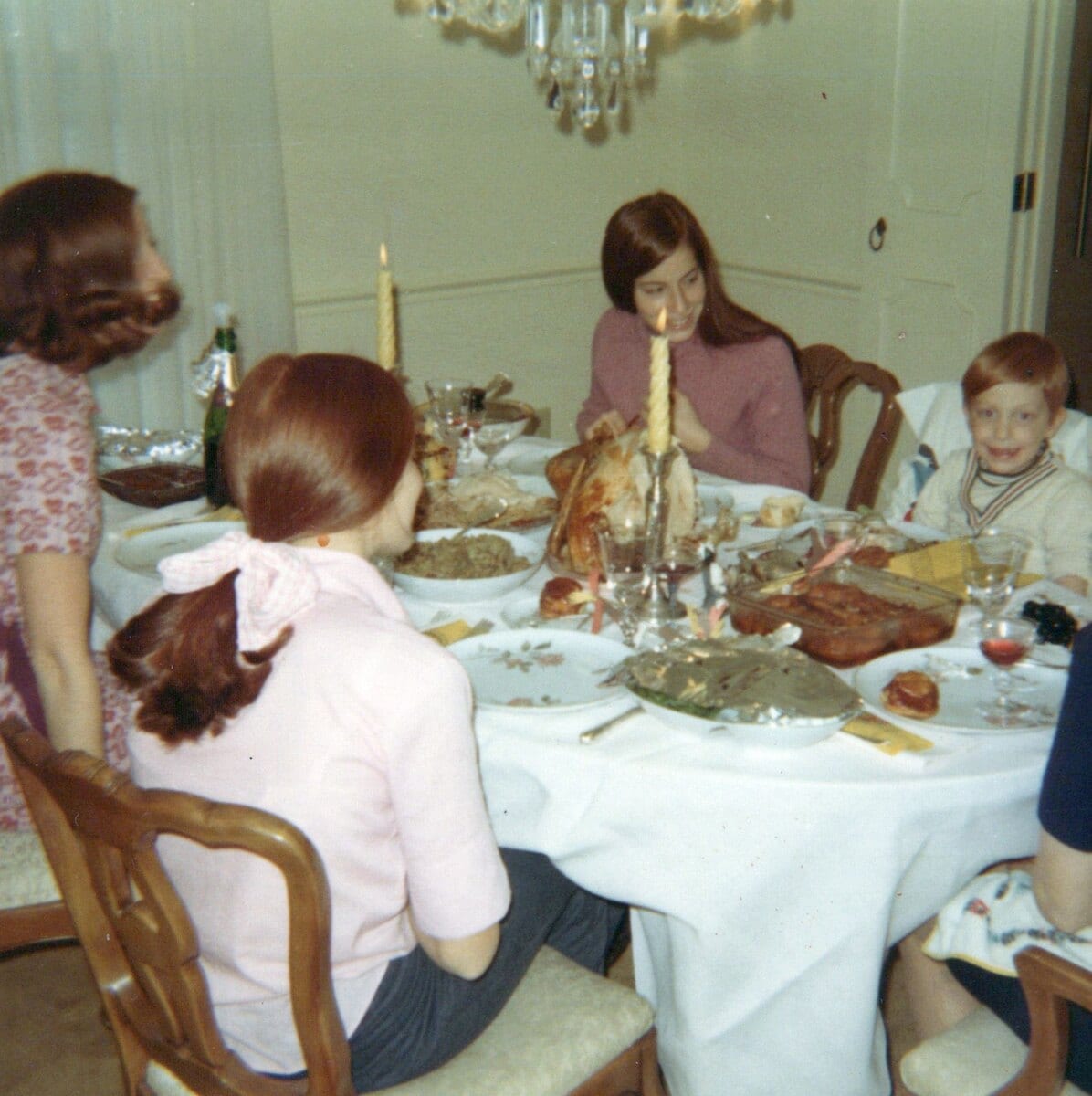
That’s Aunt Rita’s kitchen on Mulberry Street. Easter, 1978.

Mark Miller · yesterday
Oh, I remember that room. That's your aunt Rita's kitchen from when we lived in Queens in the fifties. That's your uncle Joe whose lap I'm sitting on. We spent a lot of time at Rita and Joe's house.
- Free to start
- No accounts for relatives
- Your originals are never changed
- Export everything, any time
While someone still remembers.
The people who can name the faces and tell you what was happening will not always be here. Ask them while you can.
Capture it before it’s gone.
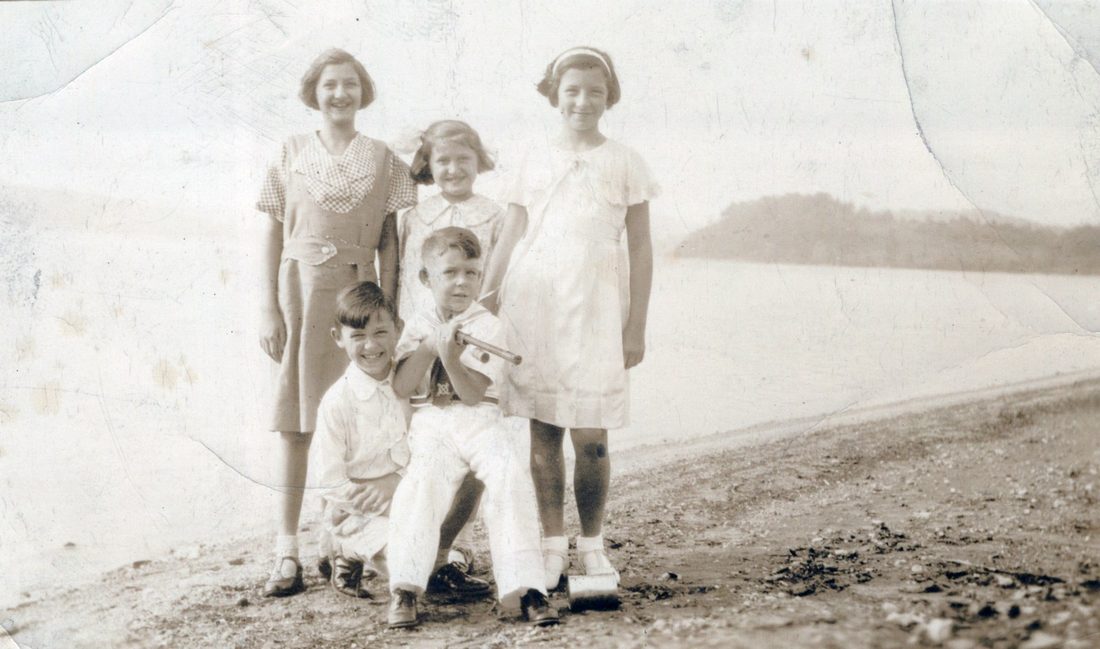
Everyone remembers it differently. No one has to be wrong.
Every memory stays, credited to the person who gave it.
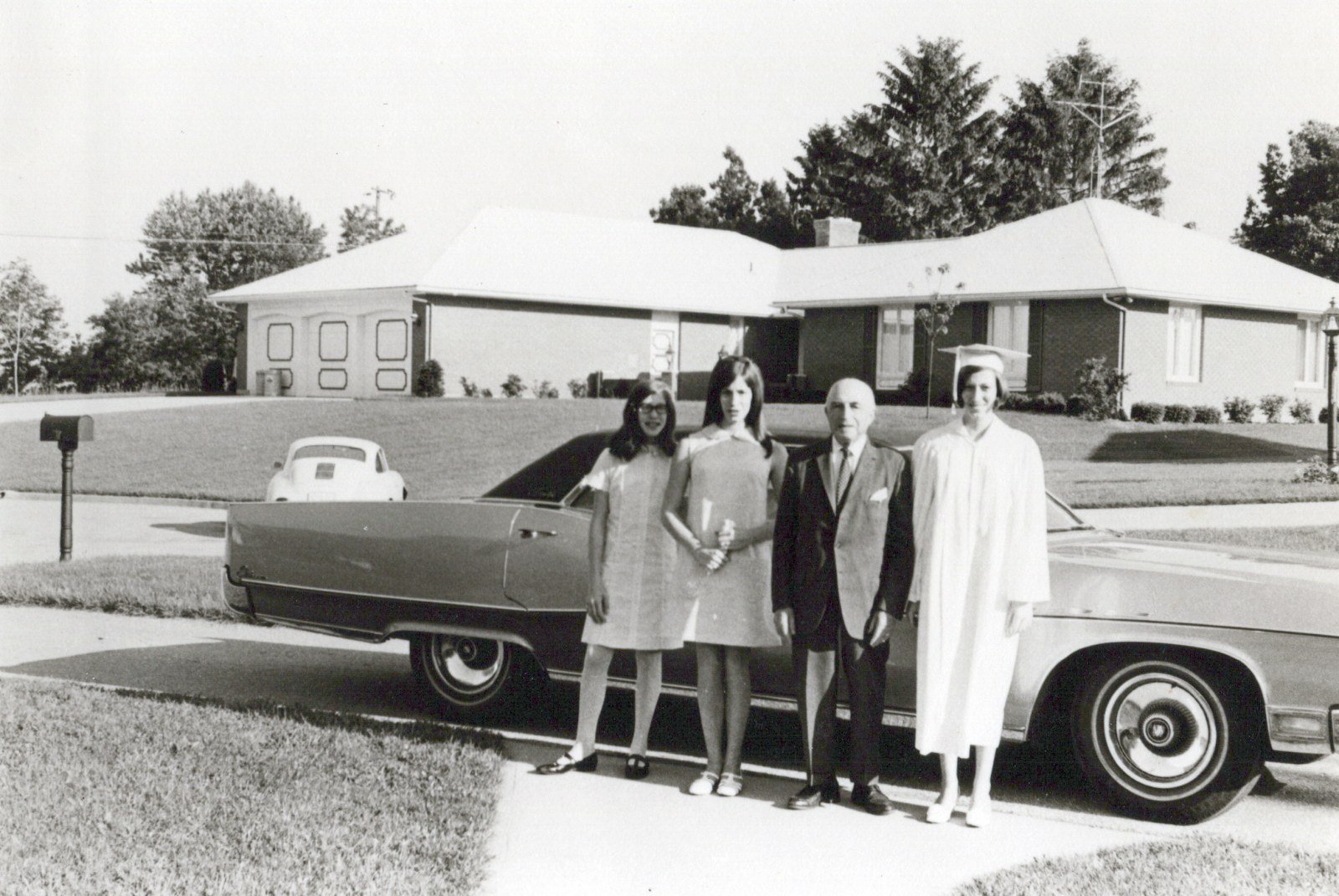
What was Grandpa Joe like?
Linda Miller · 4 days ago
Strict. Dinner at six, no excuses.

Rita Miller · 3 days ago
Strict? He snuck us candy every Sunday after church.
Mark Miller · 2 days ago
Both. Depended on whether Grandma was watching.

Nora Miller · yesterday
He cried at every graduation. Every single one.
Four memories. One grandfather.
What your family fills in adds up to a family history no one wrote down.
Pick a photo, ask a question, and send the link. Relatives type or just talk, and every answer stays with the photo, under their name.
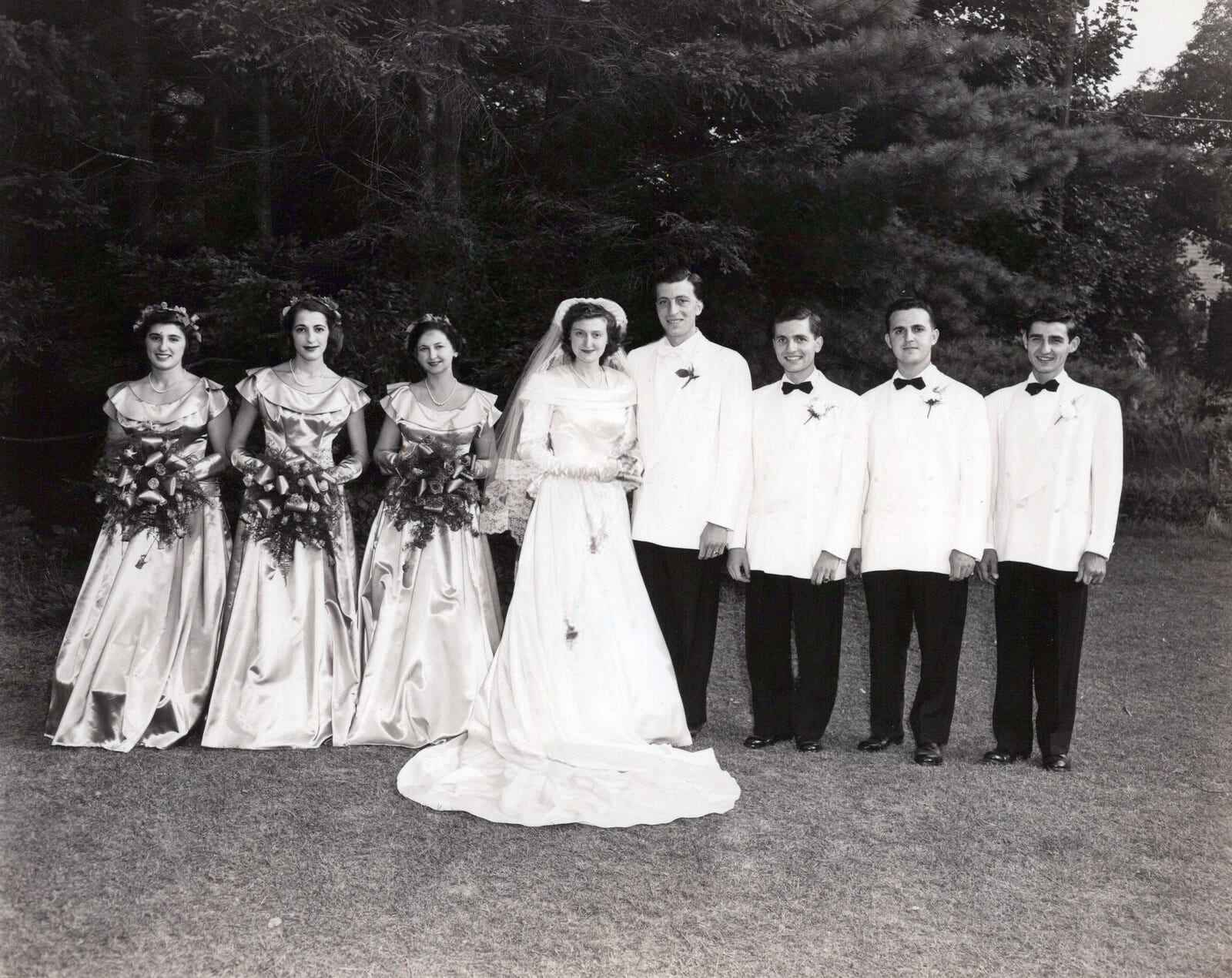
Who is in the photo?
Linda Miller · 2 days ago
Grandma Rita and her sister Cathy – Rita is on the left.
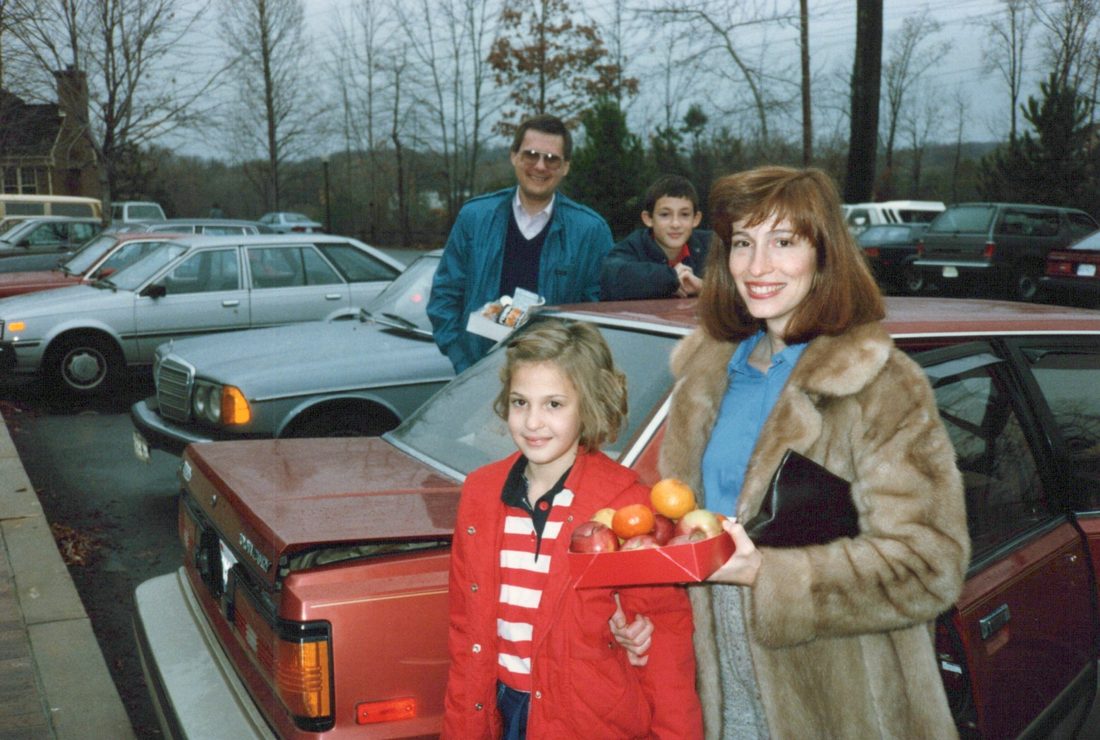
What was happening here?
Mark Miller · yesterday
Is this the same person?
confirmed by Nora Miller · 2 days ago
Looks like Rita Miller – confirm?
Yes, that’s Rita – same summer.
How it works
Add your photos
From your phone, Google Photos, iCloud, or scans you already have.
Invite your family
One email link each. That’s all they need.
No account, no password.Ask what they know
Who, where, when, and what it was like. By voice or by typing.
Preserve the answers
Every answer saved, credited, and yours to export any time.
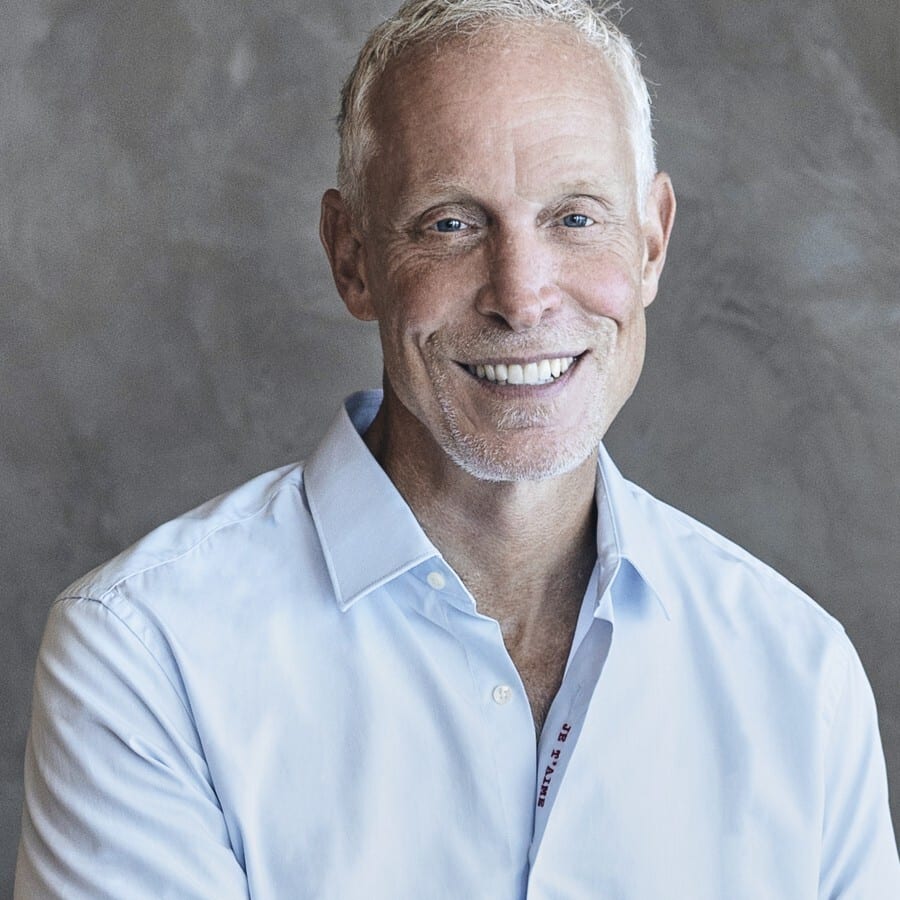
“I knew every face in my grandmother’s album – but nobody ever told me the stories behind them.”
I’m TJ Scimone. I built and sold Slice, and I put my own face on the box, because you should know who is behind the thing you are trusting with your family. That album is still in a box in my house. The faces are all named. The stories are gone. ShareView is my attempt to catch them next time – while there is still someone to ask.
TJ Scimone · Founder
Your family’s photos and stories stay yours.
- Your originals are never changed
- Export everything, any time
- No ads, ever
- Faces are matched only inside your family
- Stop paying and your album stays readable
Questions families ask
What happens if I stop paying?
Start free and keep the free album as long as you like. Stop paying later and the album stays readable – every name, date, and story stays yours, and full-quality export stays free.
Do relatives need accounts?
No. You enter their email, they get a link, they tap it, and they're in. Every time. Their answers are saved under their own name automatically.
Can less-technical relatives participate?
Yes. It was built for exactly that relative, with big buttons and plain words. No apps, no passwords - if she can open an email, she's in. And if typing is hard, she can answer by voice, in her own words.
What if relatives remember differently?
Both stay. Each answer is signed by the relative who gave it, and one never overwrites the other. If Grandma Rose remembers the lake house and Uncle Lou remembers the cabin, the photo keeps both versions. Nobody gets outvoted.
How does face matching work, and is it private?
Yes. It runs only inside your family’s album and never looks across families. When a face isn’t certain, it’s set aside for a person to confirm, never guessed. None of it is used to train anything.
Does ShareView change my original photographs?
Never. Your uploads are stored byte-for-byte as they arrived. Web copies are made for fast viewing, and the export writes every name, date, and story into the copies you download. The picture itself is untouched.
Start while someone still remembers.
Free to start – one album, 100 photos, and five family members.